
Many users of CO2 laser cutting machines experience problems such as rough edges, burn marks, or inconsistent cutting quality. In most cases, these issues are not caused by the machine itself, but by incorrect settings or improper material handling.
Understanding the root cause can help you improve results without changing equipment.
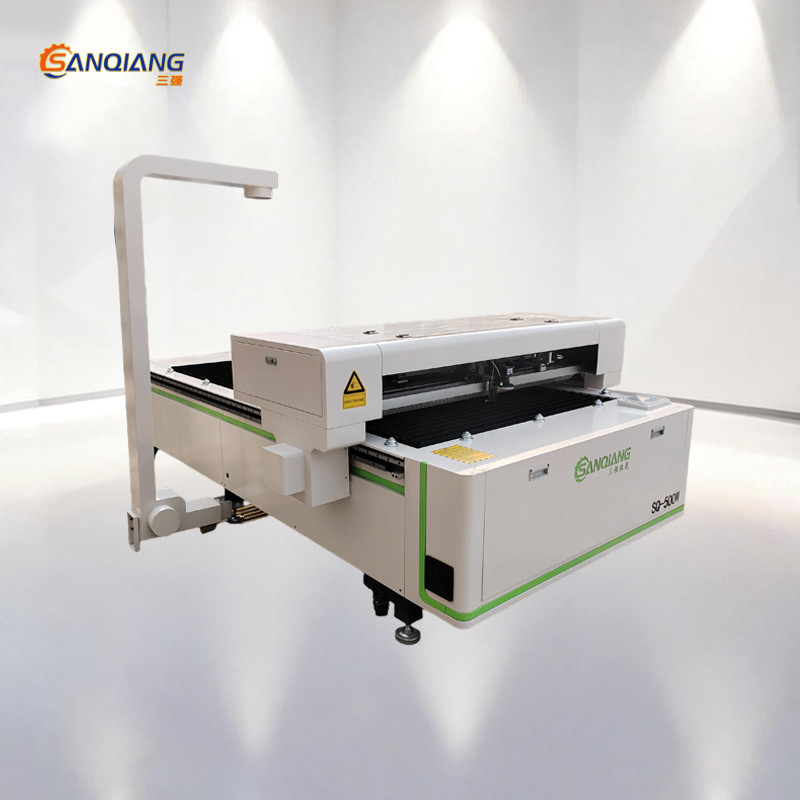
In some cases, using a more stable CO2 laser cutting machine can help reduce these issues and improve overall cutting quality.
Common Problems in CO2 Laser Cutting
Burn Marks on Acrylic
This usually happens when:
- Power is too high
- Speed is too slow
The material overheats and causes discoloration.
Rough or Uneven Edges
Often caused by:
- Incorrect focus position
- Worn optical components
Even small misalignment can affect edge quality.
Incomplete Cutting
If the laser does not fully cut through:
- Power may be insufficient
Material thickness may exceed machine capacity
How to Improve Cutting Quality
Adjust Power and Speed Together
Instead of changing one parameter:
Fine-tune both power and speed based on material thickness.
Check Focus Before Each Job
In real workshops:
Incorrect focus is one of the most common causes of poor results.
Keep Materials Clean and Flat
Dust or uneven surfaces can affect laser performance.
When the Problem Is the Machine
Sometimes issues are caused by:
- Aging laser tubes
- Poor machine stability
In this case, upgrading may be necessary.
CTA
Contact us to troubleshoot your CO2 laser cutting issues
Get expert advice for better cutting results
Conclusion
Most CO2 laser cutting problems can be solved through proper setup and adjustment. Understanding how the machine interacts with materials is the key to achieving consistent and high-quality results.
Related Posts
Online Message
PROFESSIONAL CONSULTATION
If you are interested in our products and want to know more details, please leave a message here, we will reply you as soon as we can.